The short answer
Clients are asking about AI advertising, and most agencies do not yet have a house view. The fastest way to build one is a small, well-designed test. This playbook lays out a six-week AI advertising pilot that fits inside a normal client relationship: what to decide first, how to set the test up, what to measure, and how to present the result. It is part of our series on AI advertising for agencies.
Why Run an AI Advertising Pilot First
The channel is young. Formats are changing, benchmarks are thin and the surfaces differ from one another. A pilot lets you learn at low cost, gives the client evidence instead of promises, and builds the team's skills before a larger commitment. It also protects the agency: if a test does not work, you know why and what to change.
Before You Start: Choose the Right Client and Question
Pick a client whose customers ask questions AI can answer: product comparisons, how-to problems, recommendations, planning. Avoid categories where conversations are sensitive, such as health crises or personal financial distress. Then write one question the pilot should answer, for example: "Do people who see a relevant, labeled ad while asking about our category visit and convert at an acceptable cost?" A pilot without a question becomes an expensive demo.
The Six-Week AI Advertising Pilot Plan
| Week | Focus | Key actions | Output |
|---|---|---|---|
| 0 (prep) | Scope | Choose client and question; agree success measure and budget; record a baseline for the same product from other channels | One-page pilot brief |
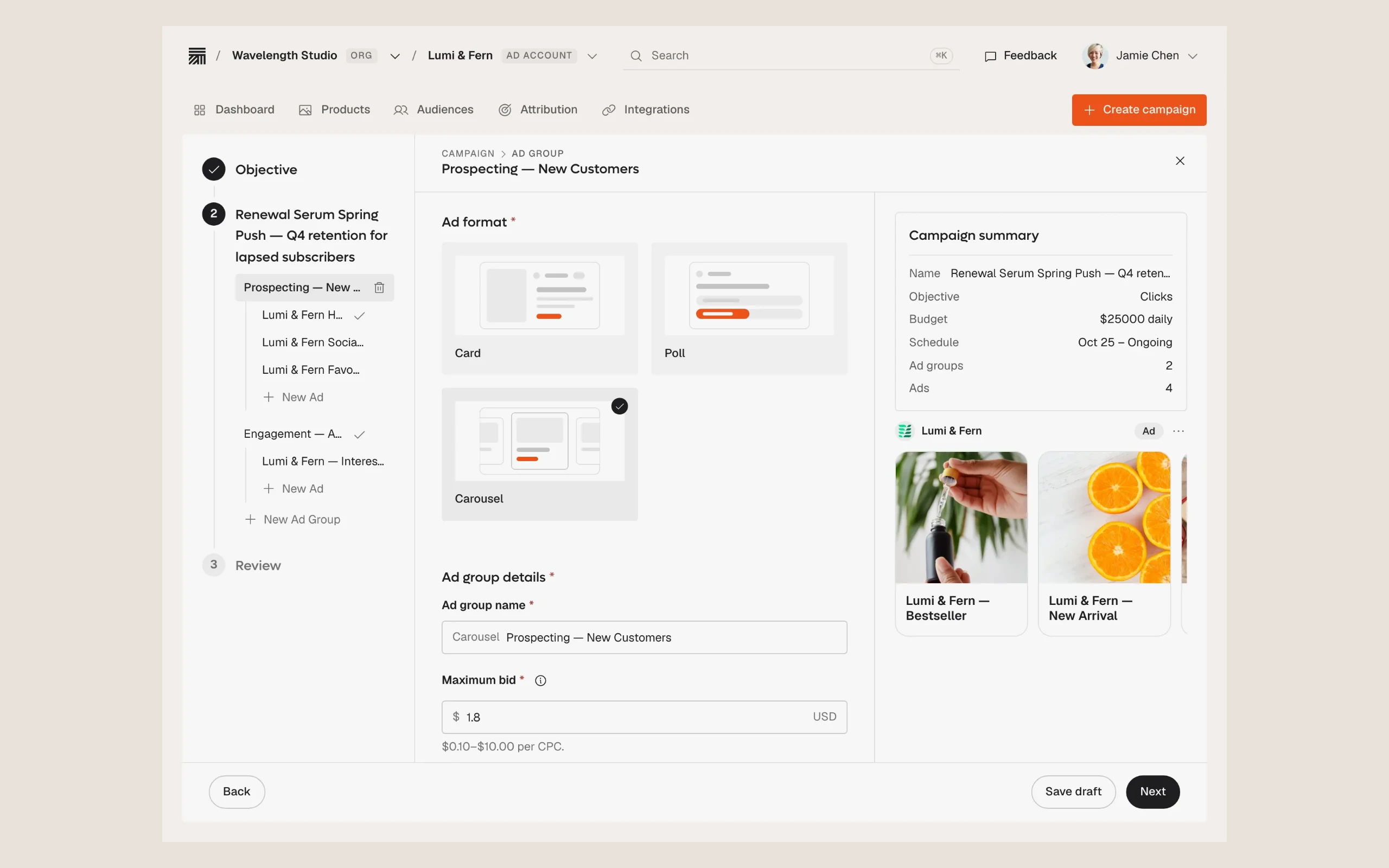
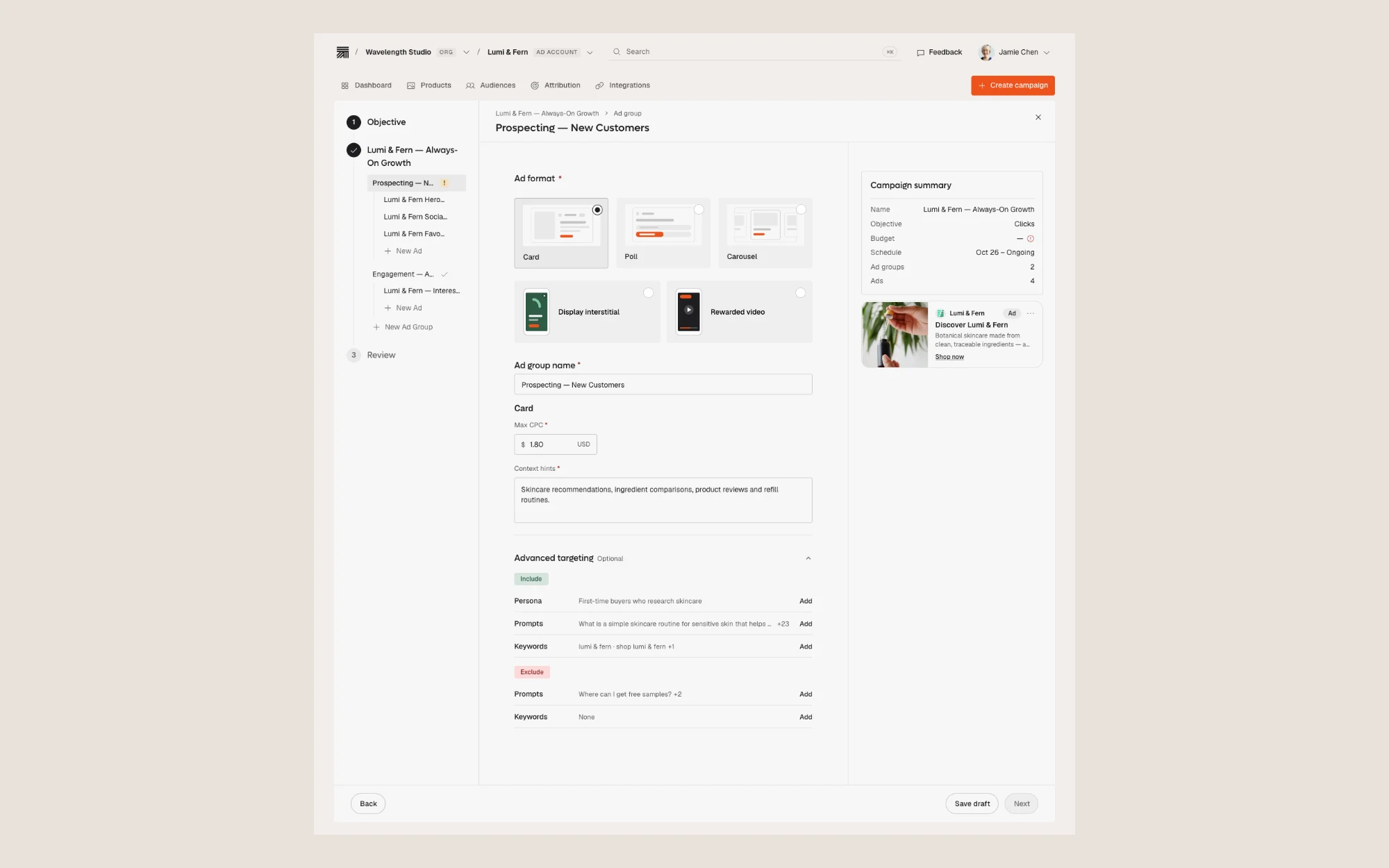
| 1 | Build | List the customer questions and topics; draft 3–5 ads; set exclusions, markets, bid ceiling and schedule | Campaign draft for approval |
| 2 | Approve and launch | Client reviews copy and landing pages; confirm conversion tracking; go live | Live campaign |
| 3 | Watch | Review sample placements; check relevance; do not change targeting too fast | Quality notes |
| 4 | Adjust once | Pause weak topics; shift budget to what works; keep a record of every change | Change log |
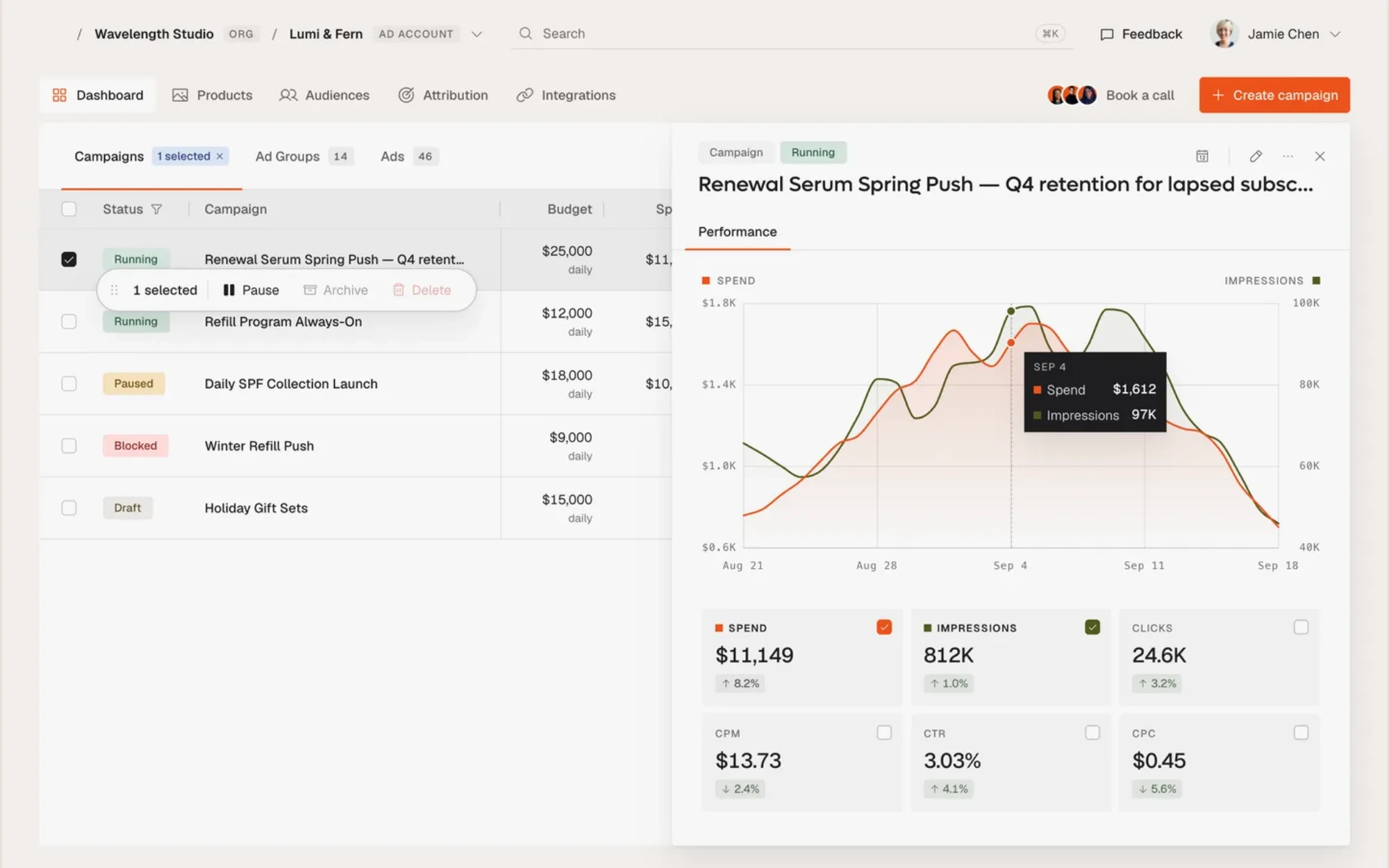
| 5 | Measure | Compare against baseline; review conversions, assisted outcomes and cost per outcome | Results table |
| 6 | Decide | Present findings; recommend stop, repeat, or scale | Client readout |
Scroll to compare all columns
Resist the urge to run the pilot on a shoestring that cannot produce a result, or to inflate it so the client feels it must succeed. Either extreme distorts the lesson. A well-sized pilot spends enough to see a pattern across several conversation themes, and not so much that a poor result becomes a costly mistake.
Setting the Budget for an AI Advertising Pilot
Use the smallest budget that can deliver a readable result. That depends on how often the target conversations occur and what a conversion is worth. Thrad's self-serve option has no minimum spend, and its managed service starts at $10k a month, so agencies can run a lean test themselves or have specialists run it. Agree the budget, the stop point and the success measure with the client in writing before launch.
What to Measure in the Pilot
- Relevance. Sample real placements each week and rate whether they fit the conversation.
- Response. Clicks and any in-conversation interaction.
- Outcomes. Conversions through a pixel or server-side events, and cost per outcome.
- Learning. The questions and topics that performed, and the creative that worked.
Avoid declaring success on click-through rate alone. Our guide to measuring AI assistant ad performance honestly and our piece on reporting AI advertising to clients explain how to do this well.
Decision Rules for the Pilot Readout
- Scale if outcomes meet the agreed measure and placements were relevant.
- Repeat with changes if relevance was good but volume was low, or if one topic clearly outperformed.
- Stop if placements were poorly matched or the cost per outcome was far above the agreed limit, and say what you learned.
Presenting the Pilot Readout to the Client
The readout should fit on a few pages. Open with the question the pilot set out to answer and the short answer. Then show what ran, what the placements looked like, what the outcomes were against the baseline, and what you learned. Close with a clear recommendation: stop, repeat with changes, or scale, and why. Avoid defending the channel. The goal is to help the client decide, and an honest "not yet" is a valid and useful result.
Roles in an AI Advertising Pilot
| Role | Responsibility |
|---|---|
| Account lead | Owns the client relationship, the brief and the readout |
| Media buyer | Builds, launches and optimizes the campaign; keeps the change log |
| Analyst | Sets up tracking, records the baseline, produces the results table |
| Creative | Writes short, specific ads for each conversation theme |
| Client approver | Signs off on copy, destinations and exclusions; has authority to pause |
Scroll to compare all columns
Even in a small agency one person may hold several roles. What matters is that each responsibility has a named owner, so nothing falls between people during the six weeks.
Pilot Mistakes to Avoid
- Running several variables at once, so nothing can be learned.
- Starting without a baseline.
- Changing targeting every day.
- Skipping the safety conversation with the client. Thrad's safety approach is a useful reference.
- Reporting only the numbers that look good.
A Pre-Launch Checklist for the Pilot
- The question, success measure and budget are written down and approved.
- A baseline exists for comparison.
- Conversion tracking has been tested with a real event.
- Exclusions are listed and approved by the client.
- Ad copy and landing pages are approved.
- Someone has authority to pause, and the contact details are shared.
- The readout date is in everyone's calendar.
Running through the list takes ten minutes and prevents the most common causes of a failed first test: tracking that does not work, goals that shifted halfway through, and approvals that arrive after the money has been spent.
Running the Pilot on a Platform
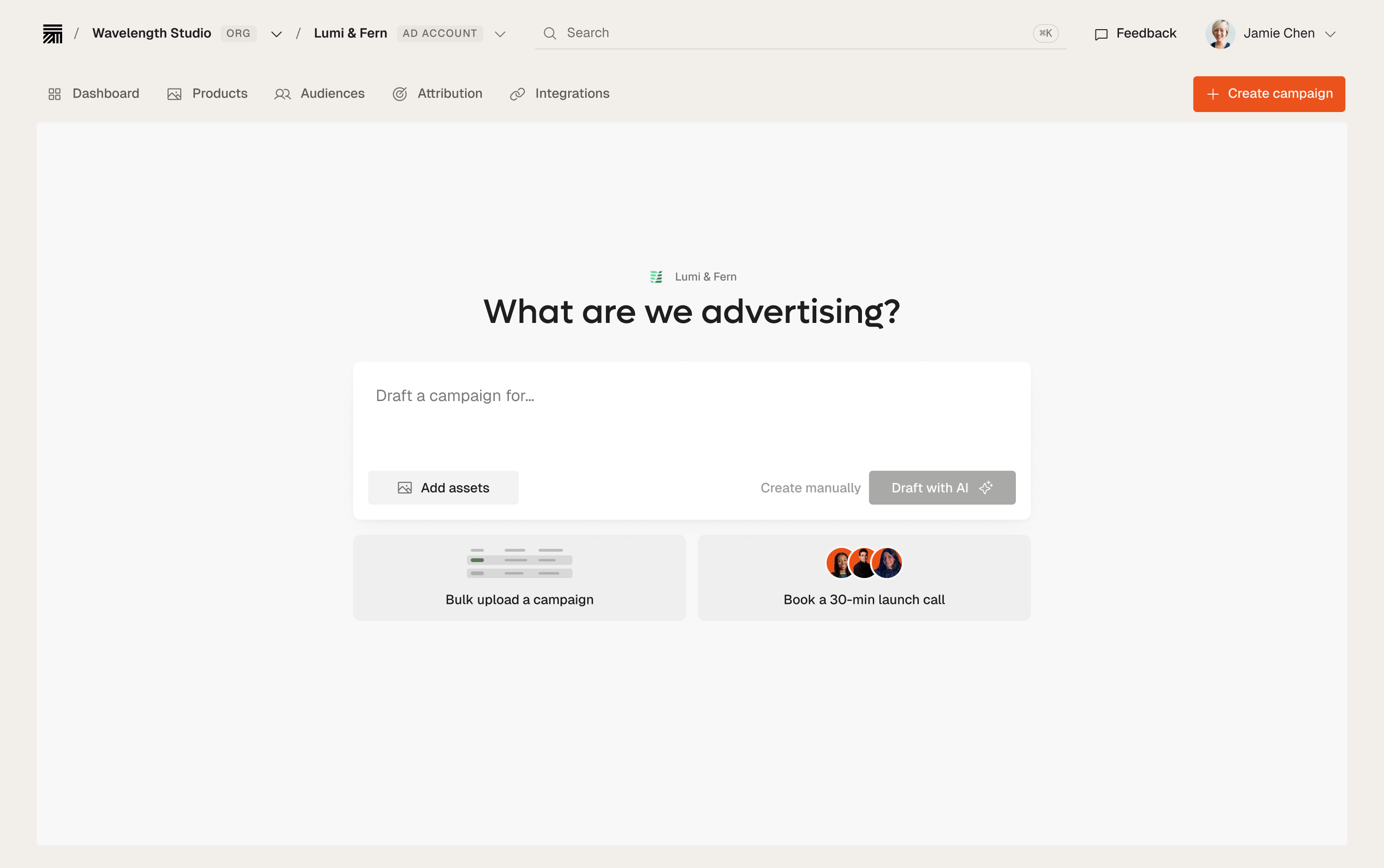
A platform that supports several client accounts, shared dashboards and an approval step makes a pilot simpler to run and to explain. Thrad describes a unified portfolio dashboard and collaborative approval flows on its agencies page, and drafting from a URL or product feed on the Autopilot page. For the buying workflow in detail, see our AI media buying guide. And for the full framework, read our pillar guide to AI advertising for agencies.
Add AI conversations to your media plan
Explore the buying options for client campaigns and the questions to settle before a test.
See Thrad for agencies